Taste is easy to feel and hard to explain.
Save links from Instagram, TikTok, YouTube, and the web. Collect the ones you love. Bekal reads them, writes down your taste, and you say what fits. Then hand it to ChatGPT, Claude, or Gemini, so their answers sound like they know you.
Free. Invites go out by hand, a few at a time, from Botakasu.
An example from Taste Notes
Quiet, but with something in it
You often save slow things: a kitchen photo in the morning light, a short essay about walking, a poster in just one color. But what ends up in your Collection always has a story. Things that are only pretty rarely last.
Close, but not it
Minimalism. You are not looking for what is tidy. You are looking for what feels like a person made it.
The proof
Your note on the essay about walking: “made me feel relieved, like talking to a friend.”
How it works
- 01
Save
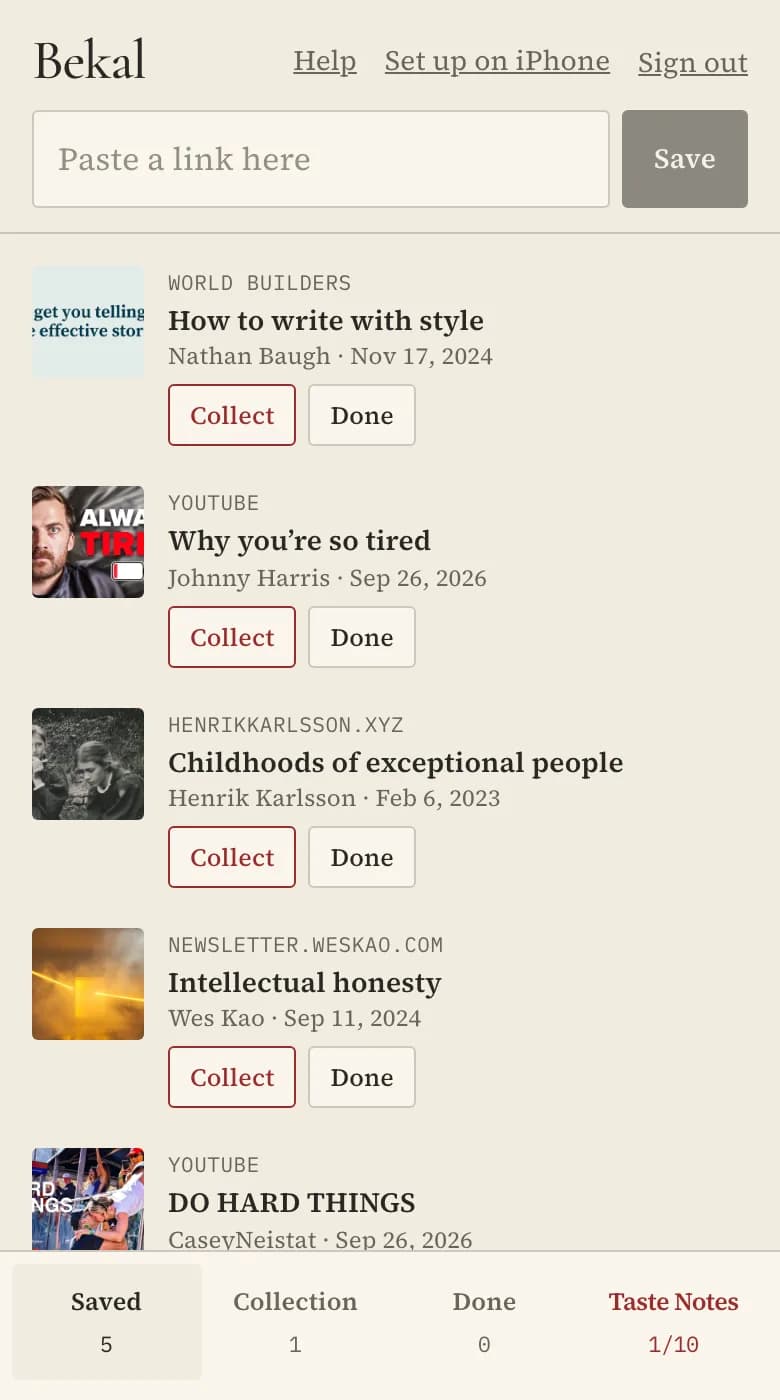
See something but no time? Share it to Bekal from Instagram, TikTok, YouTube, or your browser. On a computer, paste the link.
- 02
Collect
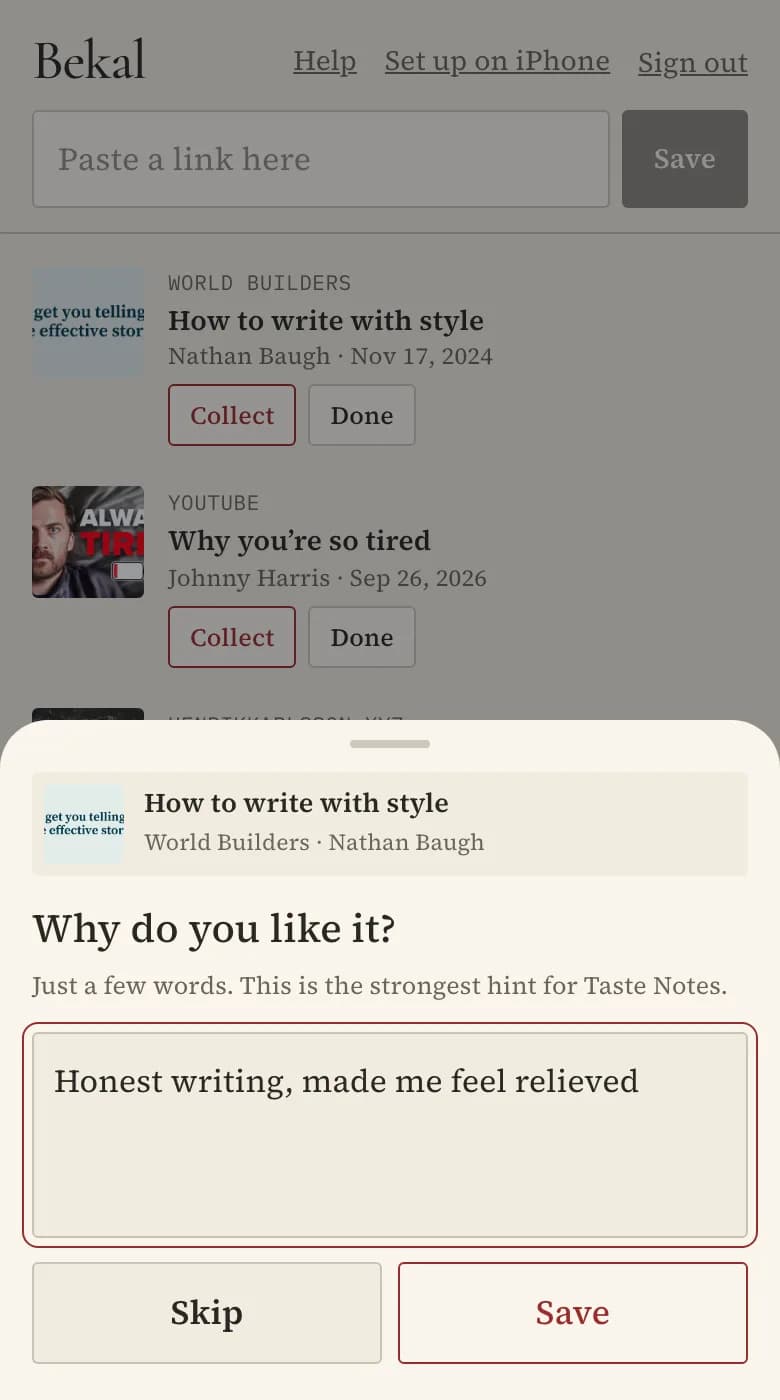
Looked at it and liked it? Move it to your Collection and add a few words on why. Bekal can see what you like. Only you can say why.
- 03
Taste Notes
At 10 items, Bekal writes your Taste Notes: the threads running through what you like, not a summary of what you saved. Copy them into ChatGPT, Claude, or Gemini so the answers fit you.
Questions
- Does it cost anything?
- No. Bekal is free.
- What if Bekal gets my taste wrong?
- Tell it. Tap Fits or Not quite on each thread and add a reason. The next update takes it in.
- Who can see what I save?
- Only you. To write your Taste Notes, Bekal sends what you collected to AI models.
- Why is it invite only?
- Bekal is still small and Botakasu runs it alone. So invites go out a few at a time.
- What phone do I need?
- iPhone, Android, and computer all work. There is nothing to download from the App Store or Play Store. You open Bekal in your browser, then add it to your home screen like a normal app.
Want an invite?
Leave your email. Botakasu writes back when your invite is ready.